
When I was about 15, dial-up internet was the only option. It became a battle trying to use the phone lines with my parents, so I ended up getting my own # which eventually also hosted various BBS incarnations.
Somewhere along the line, I decided to keep the number but port of to a cheap VOIP service like voip.ms. I had others in the past but voip.ms seemed to be the most affordable ($0.15/month if I don’t use it)
I figured it would be a pretty cheap way to keep the old # in case someone calls it (a lot of my stuff still has that number tied to it) and it means I can put an emergency phone (or even just a lazy Sunday chat with friends’ phone) out for the littles.
Sidenote: if you want entertainment, ask them to call you on your mobile using an old touchtone phone (gah, I remember rotary, am I that old?!)
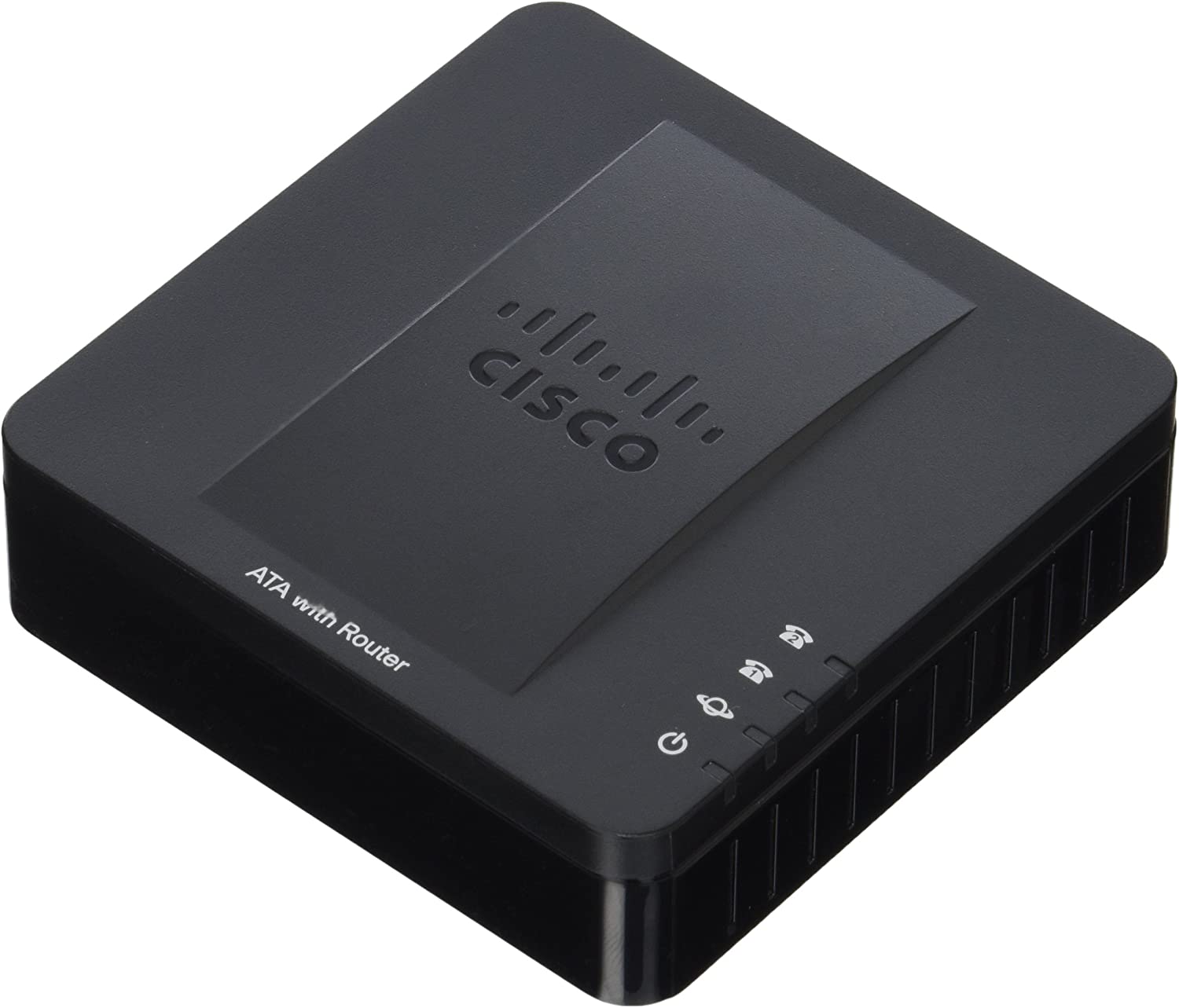
At any rate, I recently needed to reset my ATA and couldn’t log in as admin but could as cisco\cisco. The reset button seemed to be locked out as well preventing a factory reset. I found this posting which worked perfectly:
How about a reset via the phone itself?
To reset the SPA122 to factory defaults follow these steps:
- Plug in power adapter.
- Plug in a phone to ‘Phone 1′ port of the SPA122.
- Dial ****
- You should hear ‘Configuration Option Menu’
- Dial 73738# (RESET#)
- Press 1 to confirm the reset.
Default IP Address of the SPA122 is 192.168.15.1.
NOTE: You must connect directly to the ethernet side, not the internet side of the SPA the first time you connect, then enable remote access.
For anyone that wants to do this, setting up a SIP\ATA\etc is pretty easy but takes a LOT of upfront knowledge. Fortunately, some providers like voip.ms have handy config guides to walk you through setting this up – not to mention voip.ms’ tech support is one of the best I’ve encountered.
Next up: setting up a https://hamshackhotline.com/ 😉